Cursos de Illustrator
Hemos reunido 36 cursos de Illustrator de plataformas como Coursera, edX y Skillshare. Los que están en español aparecen primero; el resto se imparte en inglés.
Para qué sirve Illustrator en el trabajo remoto
Adobe Illustrator es la herramienta de diseño vectorial para logotipos, iconos, ilustración e identidad de marca.
Cómo elegir un curso de Illustrator
Un buen curso domina la pluma, las formas y la tipografía con proyectos reales de logotipo o ilustración. Combínalo con un curso de fundamentos de diseño gráfico. Revisa siempre en la plataforma el temario, el nivel, la duración y si el certificado es de pago.


Creative Process and Project Design with Adobe Illustrator

Graphic Design for Beginners: Logos in Adobe Illustrator

Adobe Illustrator CC: Part 1

Getting Started with Adobe Illustrator

Creative Design Tools: Adobe Photoshop, Illustrator, Acrobat

Adobe Illustrator Essentials

Introduction to Illustrator
10 Interface & Workflow tips for Adobe Illustrator - A Graphic Design for Lunchâ„¢ Class
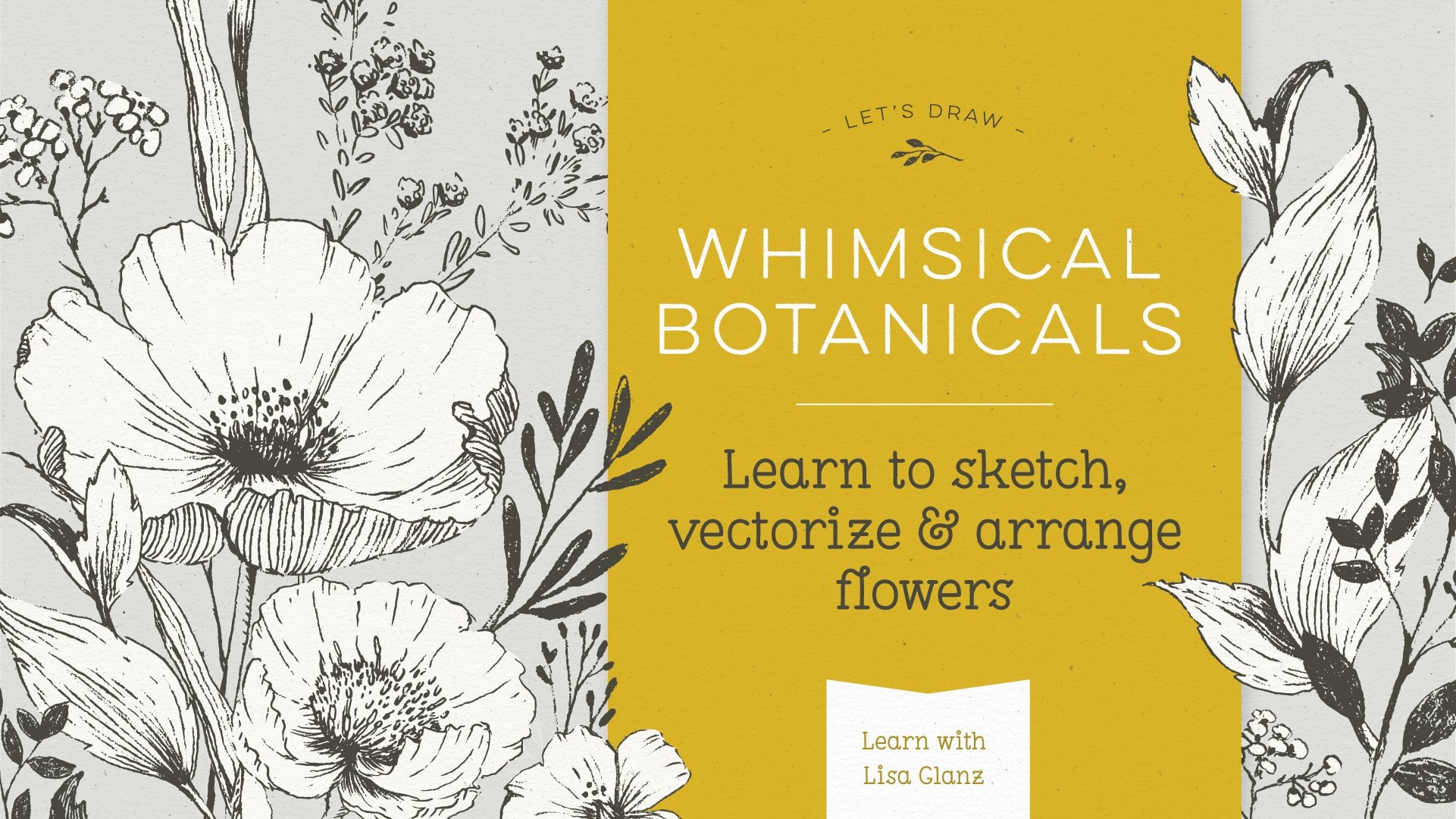
Botanical Drawing: Learn to Sketch Flowers, and Arrange in Adobe Illustrator
Adobe Character Animator 101: Getting That Photoshop Or Illustrator Character Talking
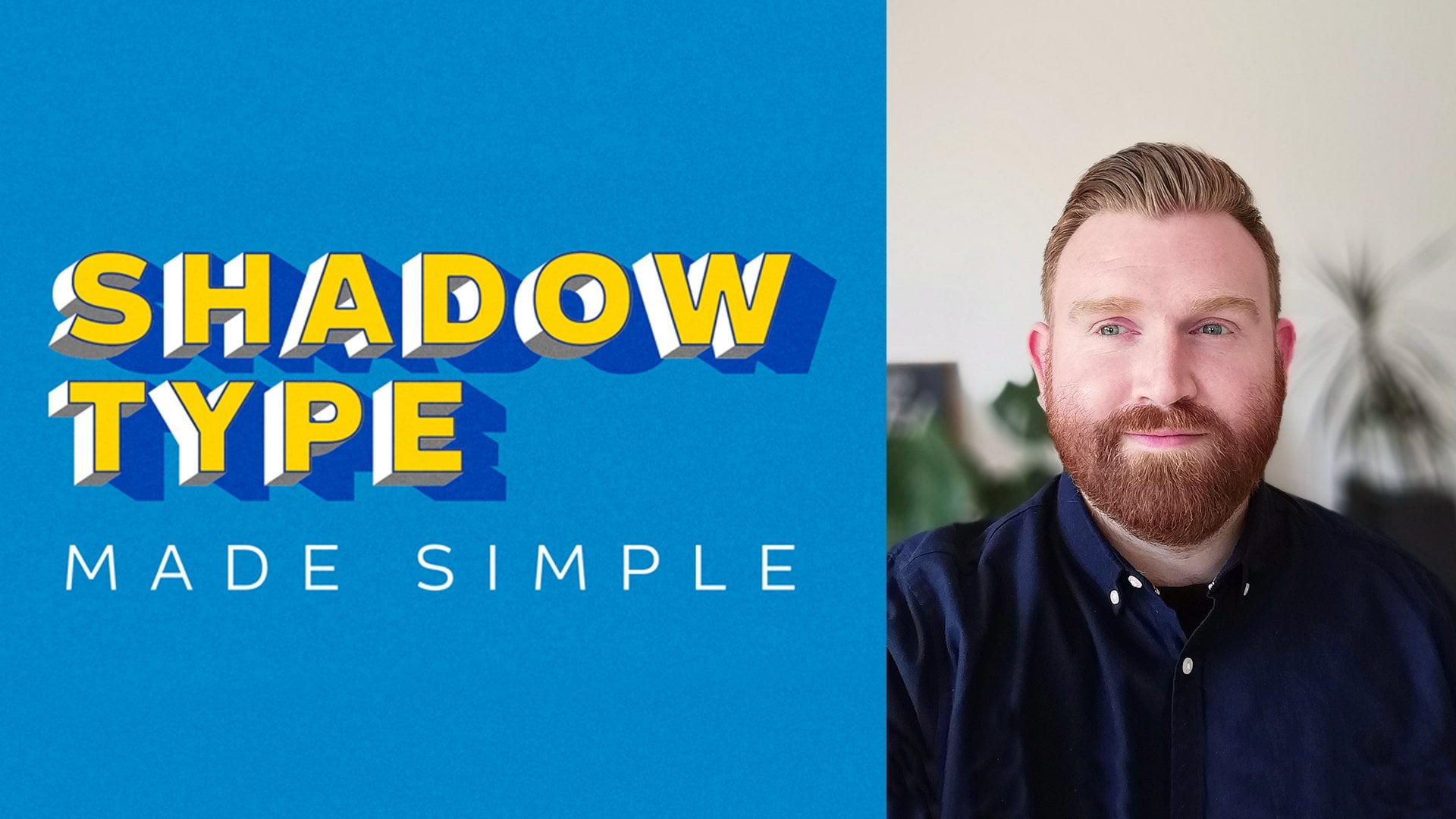
Shadow Type in Adobe Illustrator made simple
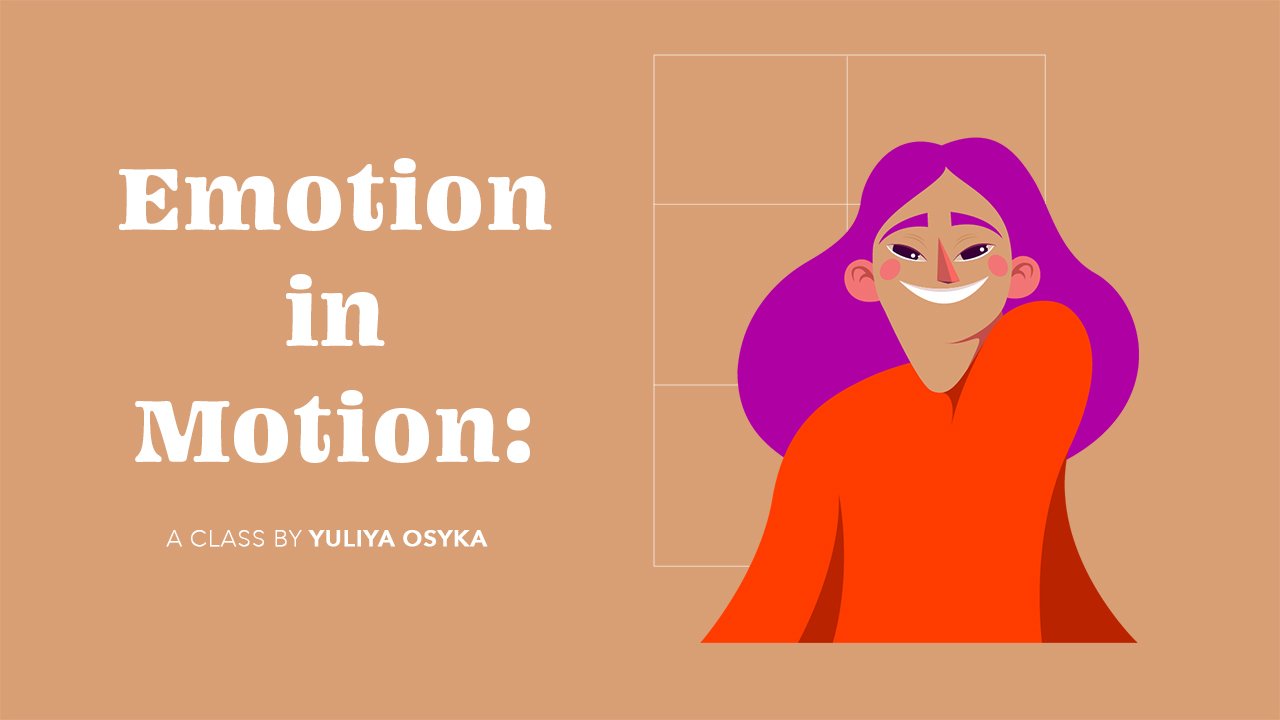
Emotion in Motion: Animate Facial Expressions Using Illustrator and After Effects
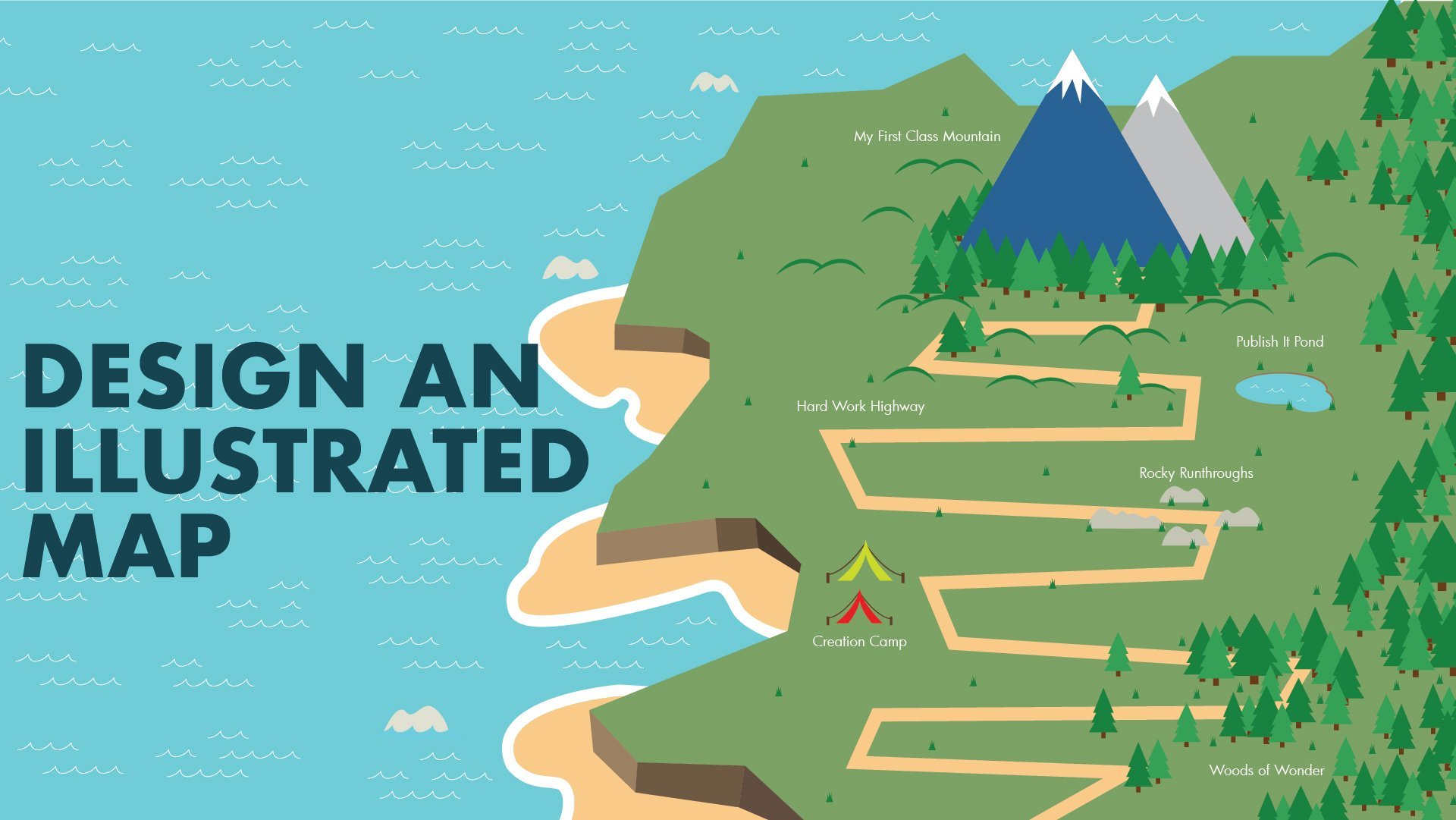
Design an Illustrated Map in Adobe Illustrator
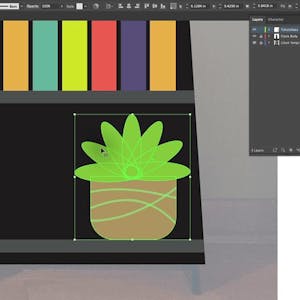
Simple and Stylish Monument Graphic Using Adobe Illustrator
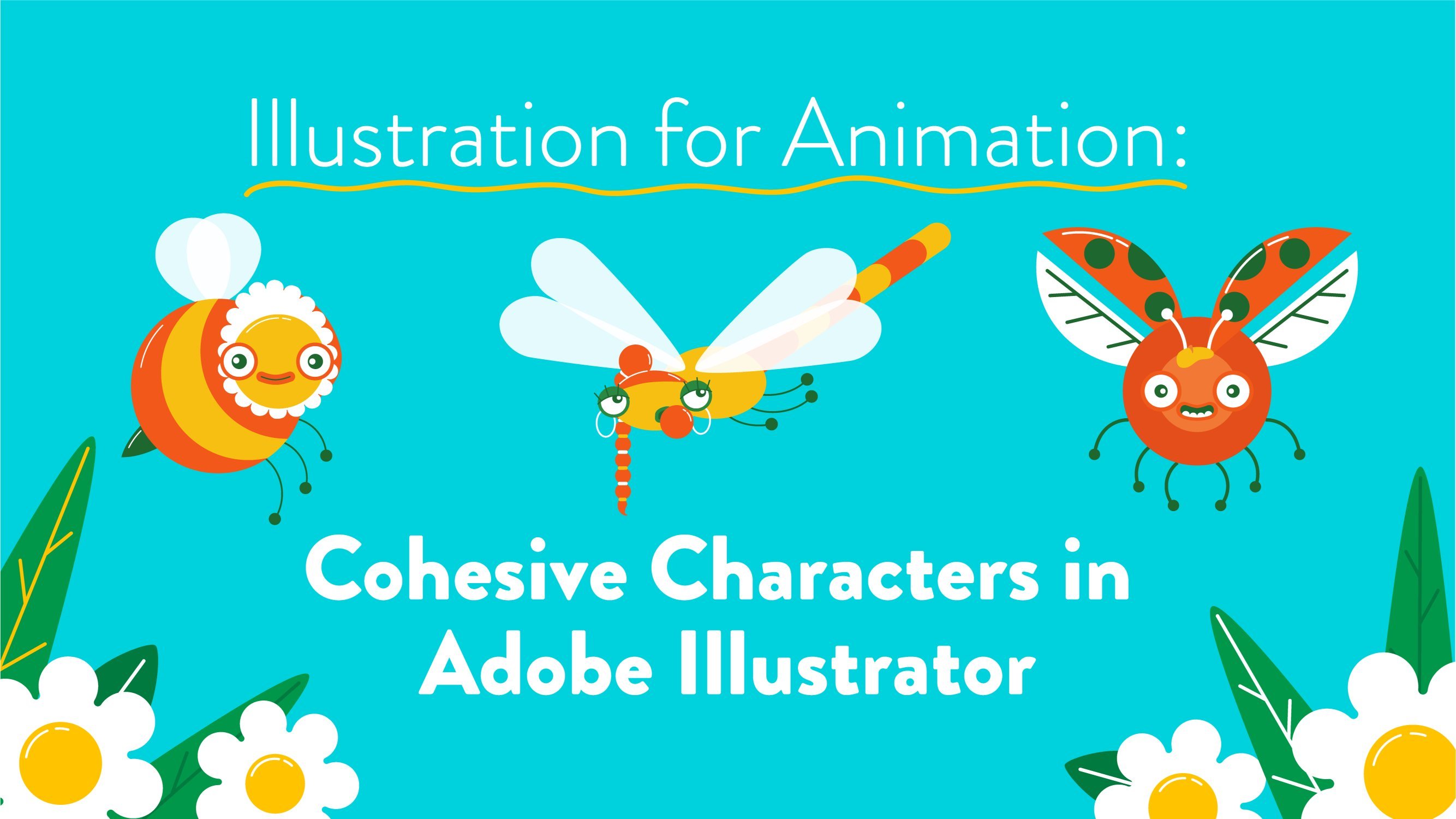
Illustration for Animation: Cohesive Characters in Adobe Illustrator
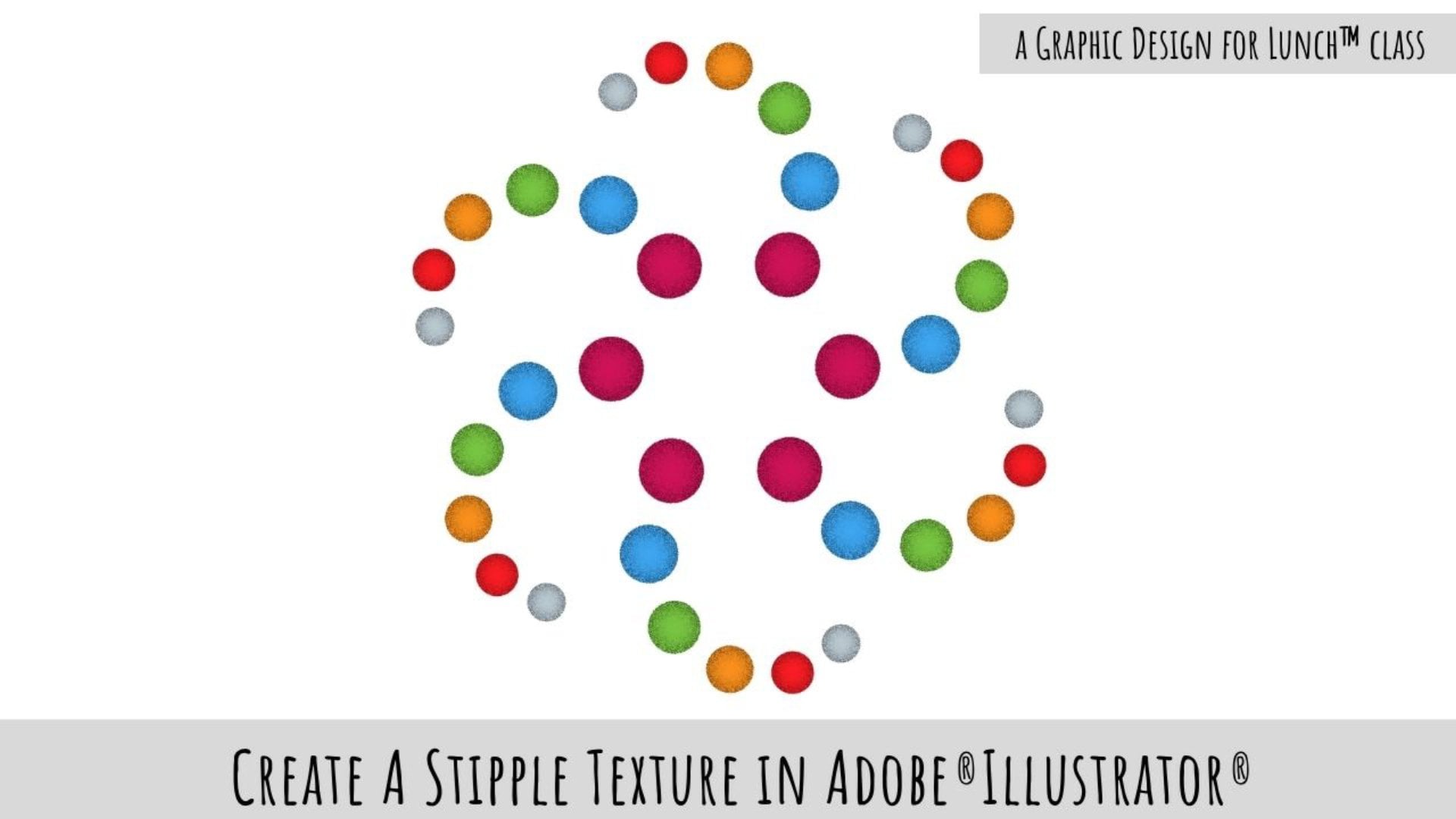
Stipple Texture Effect in Adobe Illustrator - A Graphic Design for Lunchâ„¢ Class
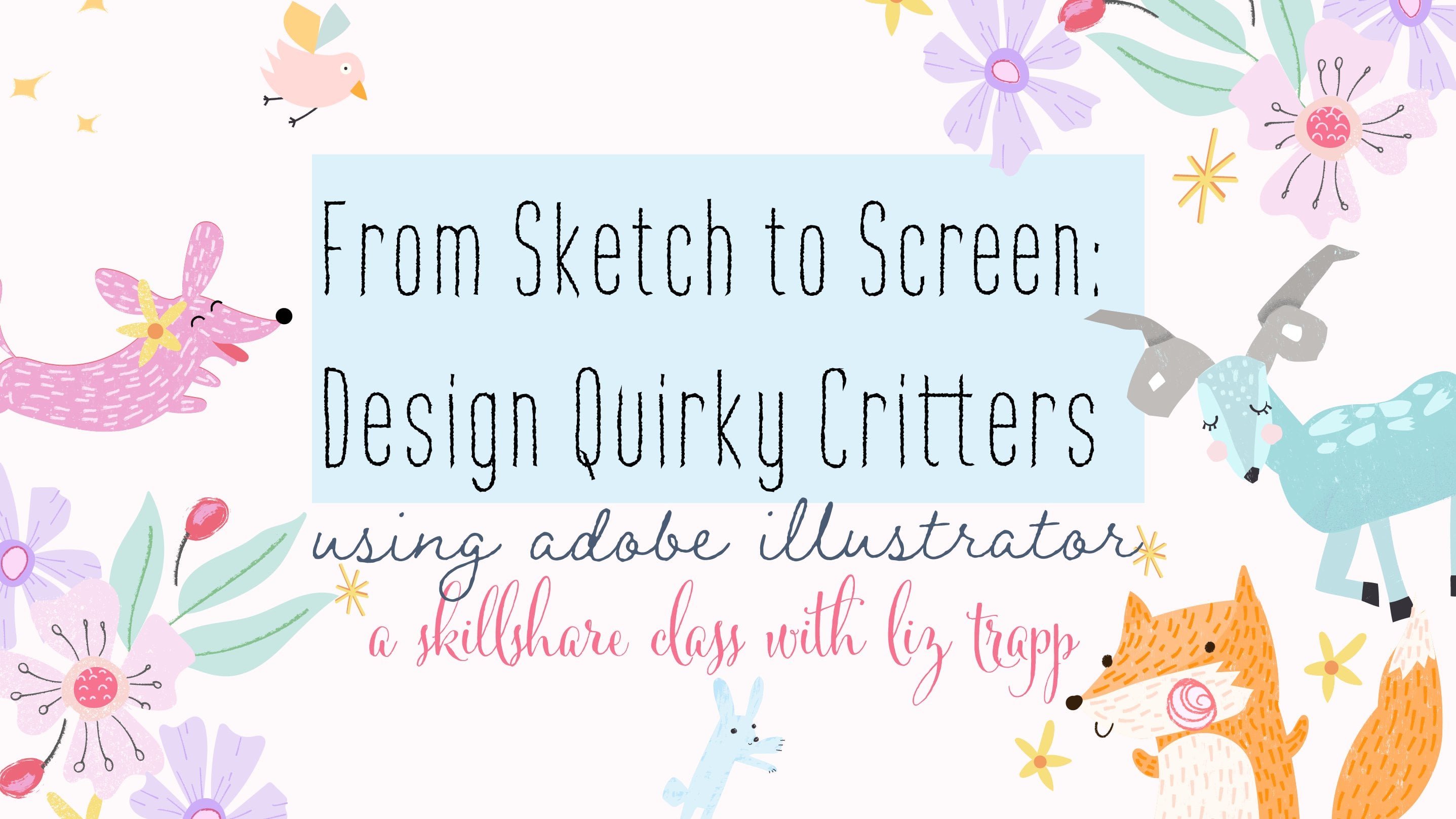
From Sketch to Screen: Design Quirky Critters Using Adobe Illustrator
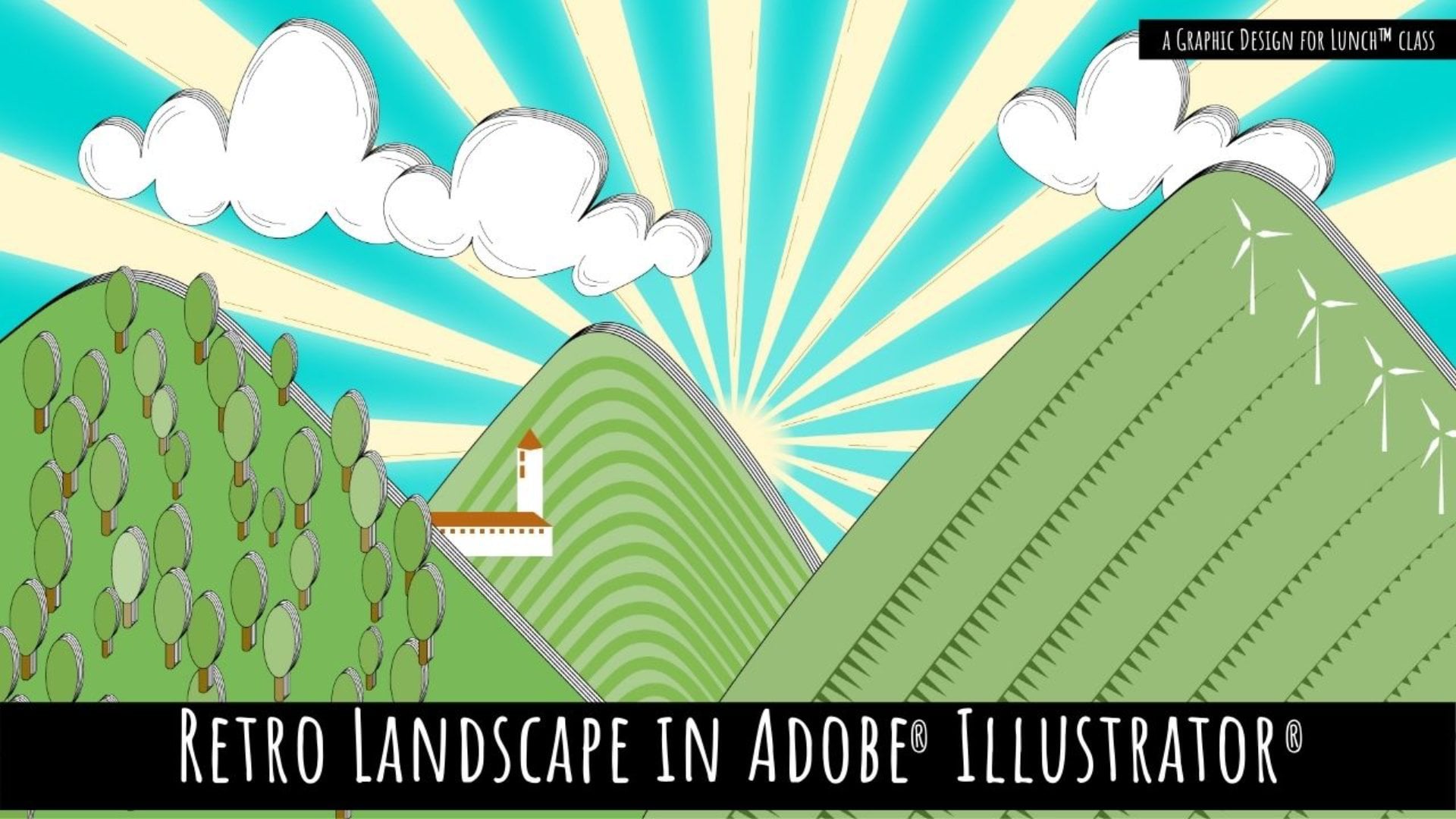
Retro Landscape Illustration in Adobe Illustrator - A Graphic Design for Lunchâ„¢ Class
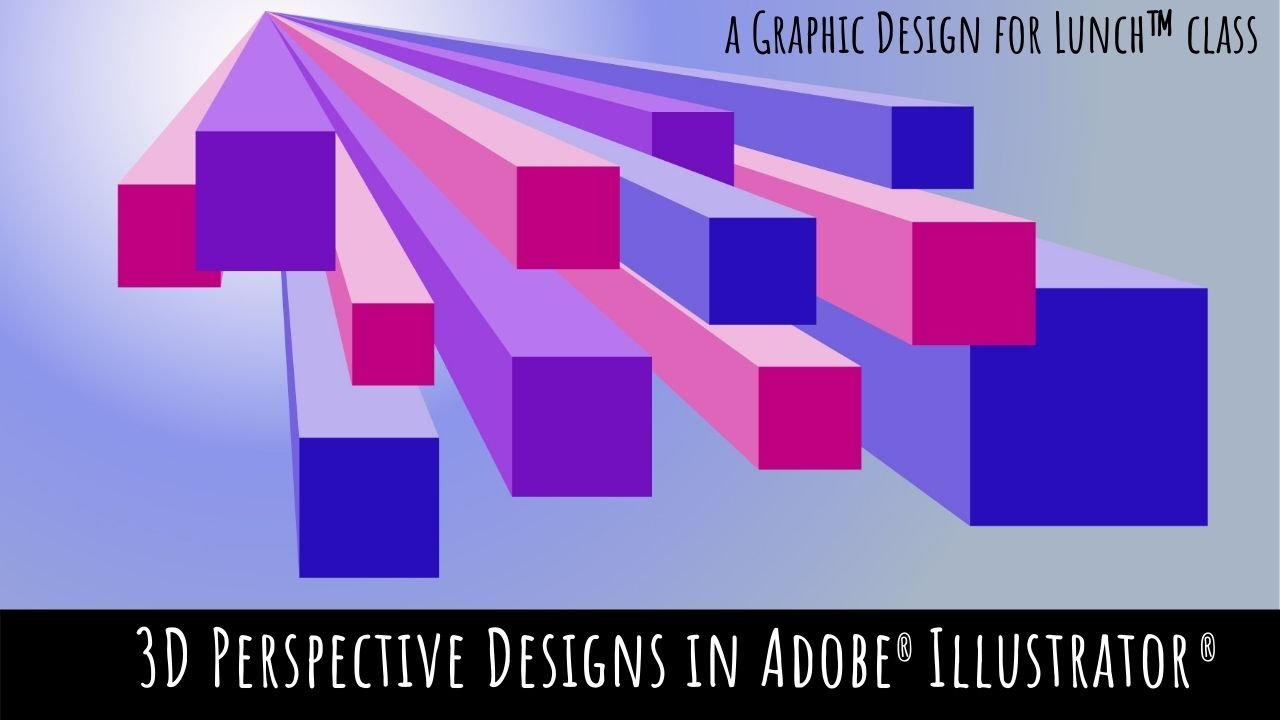
3D Perspective designs in Adobe Illustrator - A Graphic Design for Lunchâ„¢ Class
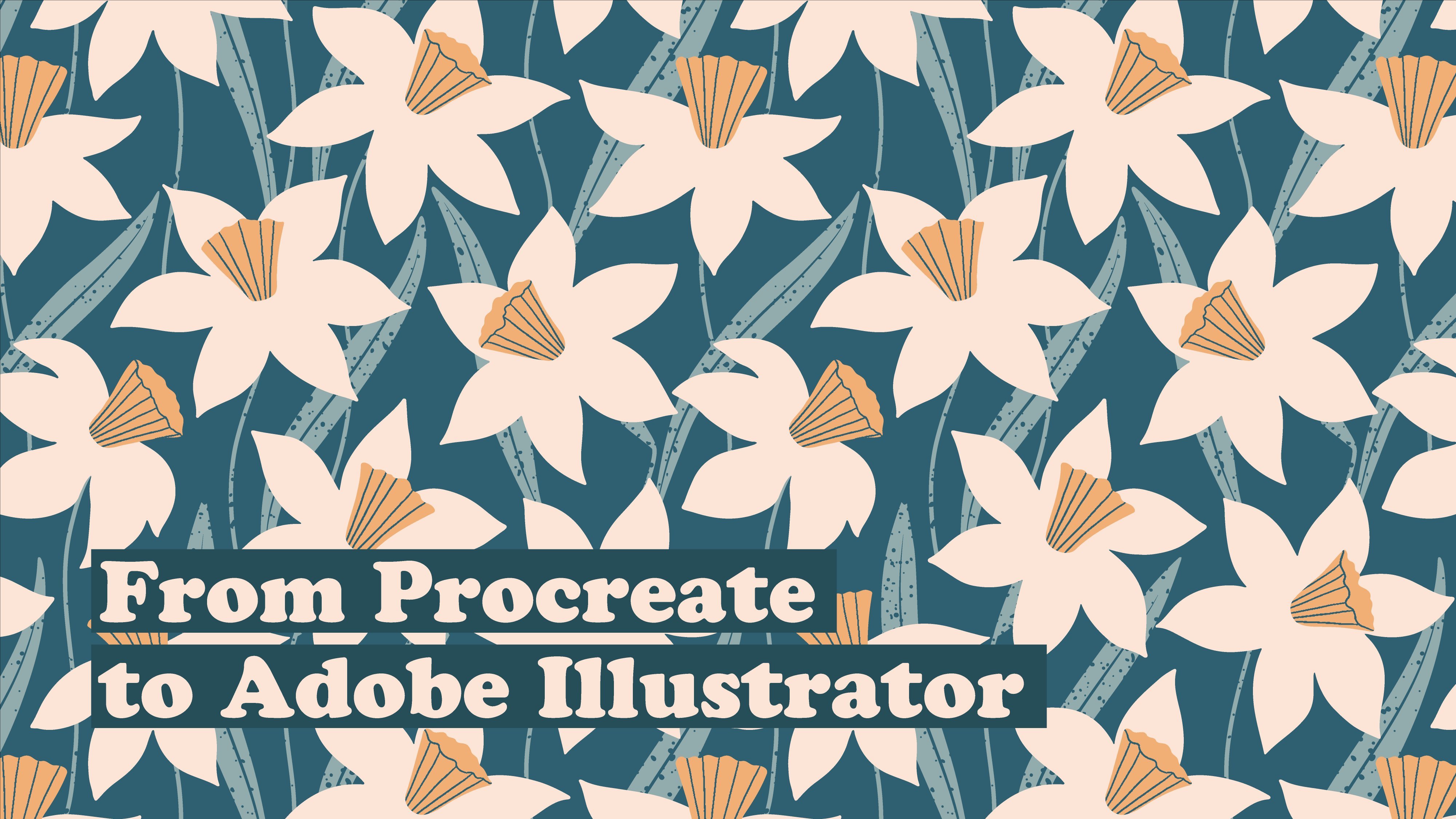
Vectorize Seamless Procreate Patterns in Adobe Illustrator
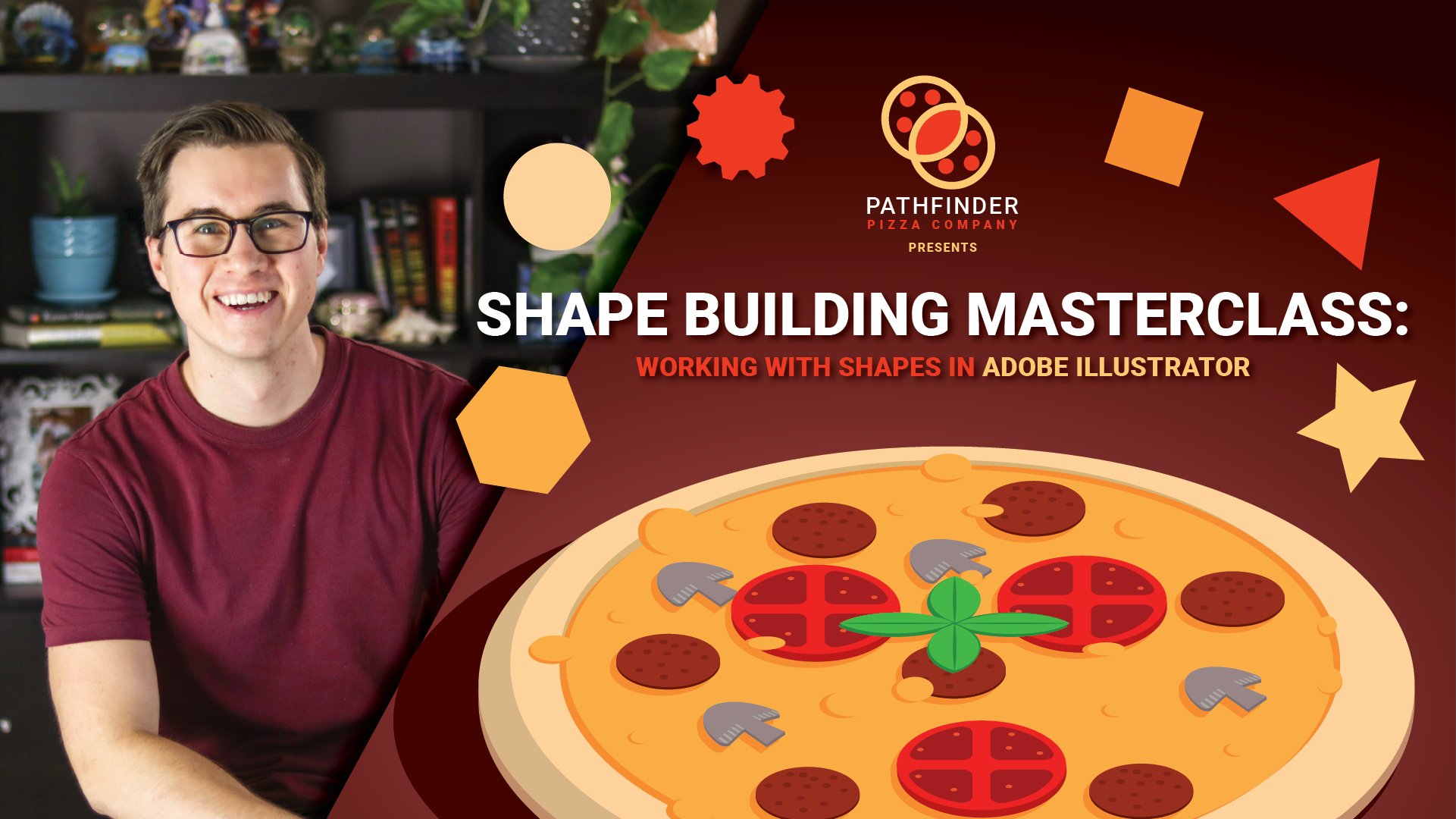
Shape Building Masterclass: Working with Shapes in Adobe Illustrator
Pattern Design: Creating Seamless Repeats in Illustrator
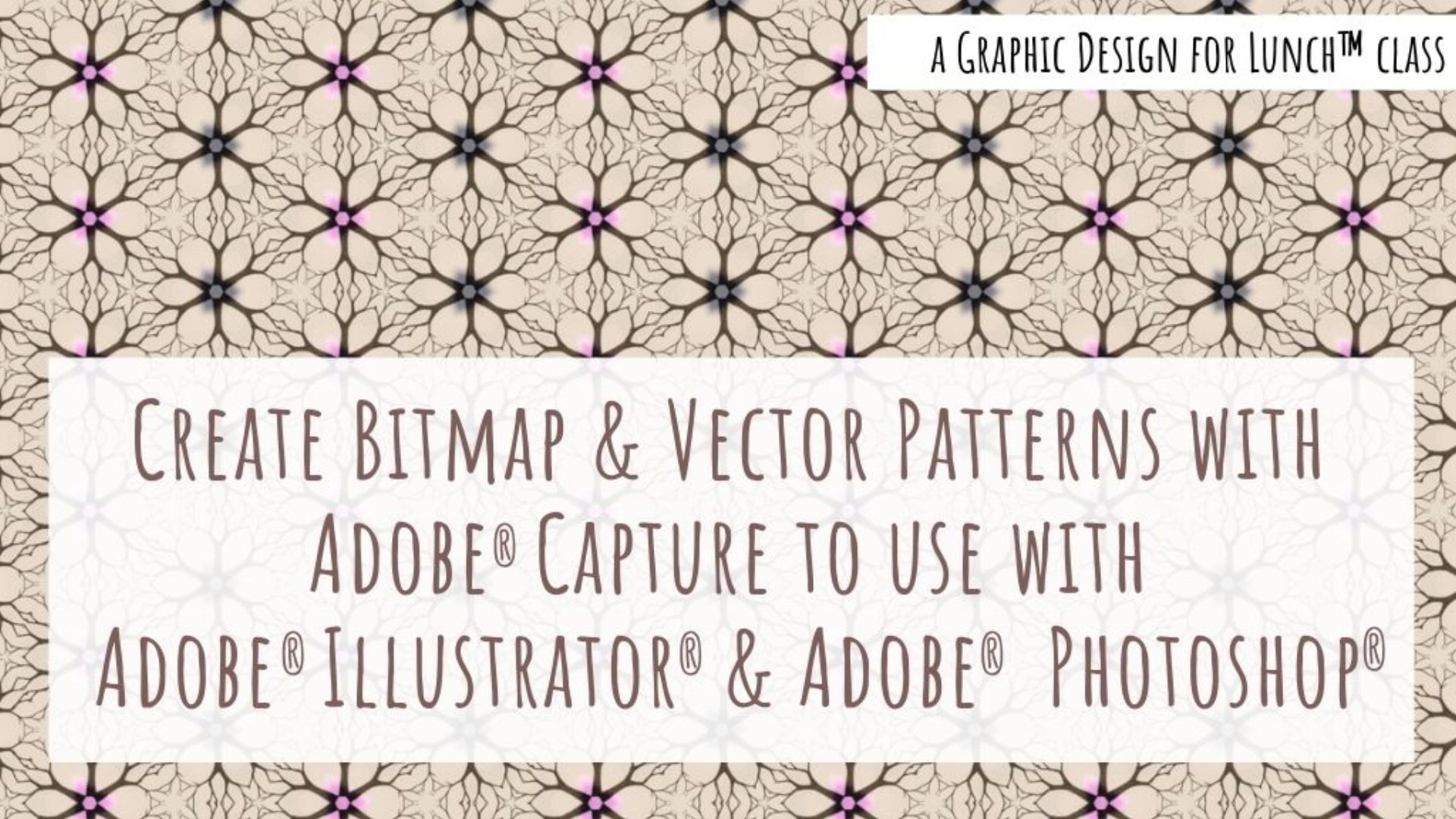
Patterns in Adobe Capture for Illustrator & Photoshop - A Graphic Design for Lunchâ„¢ Class
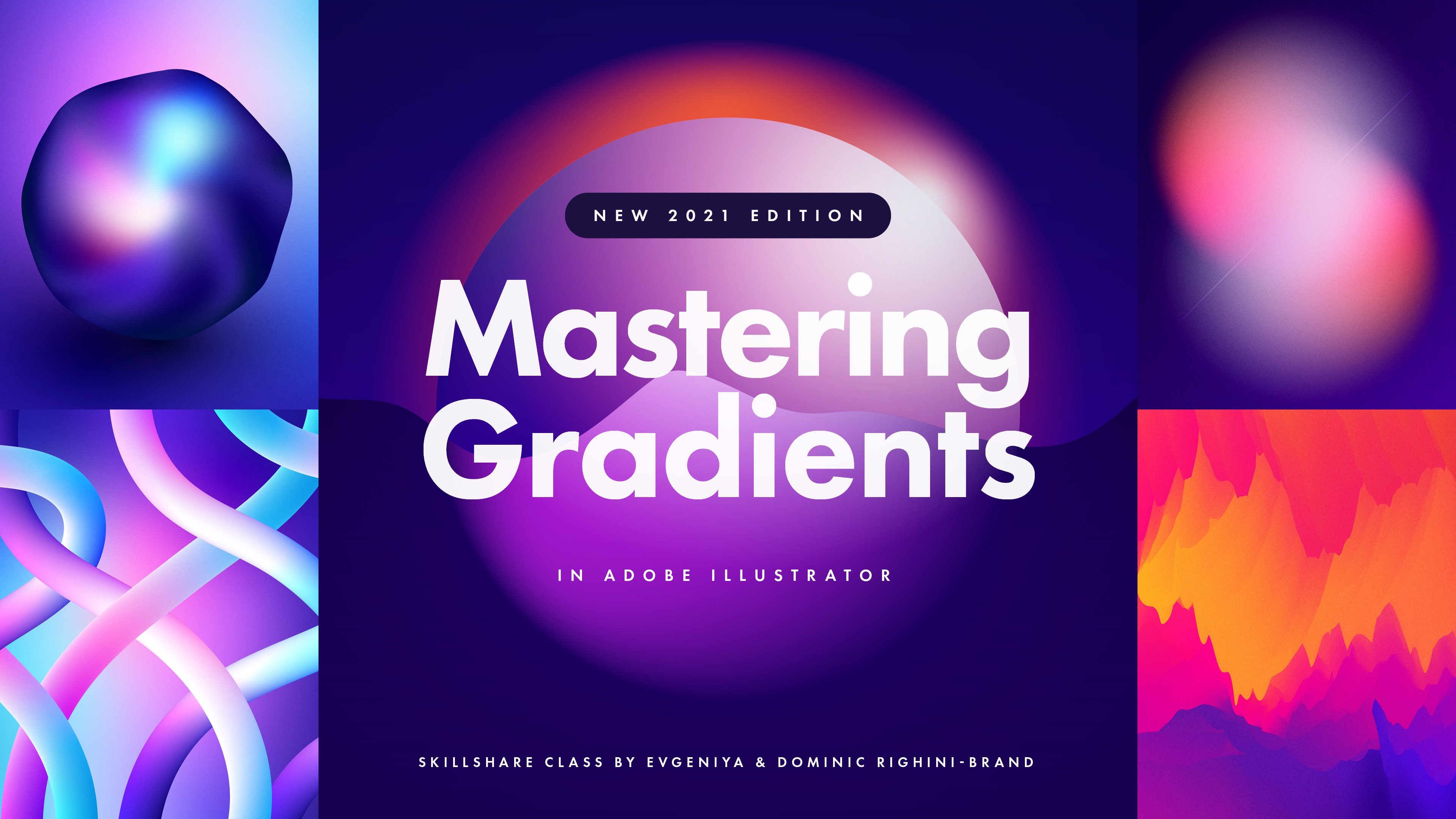
Mastering Gradients in Adobe Illustrator
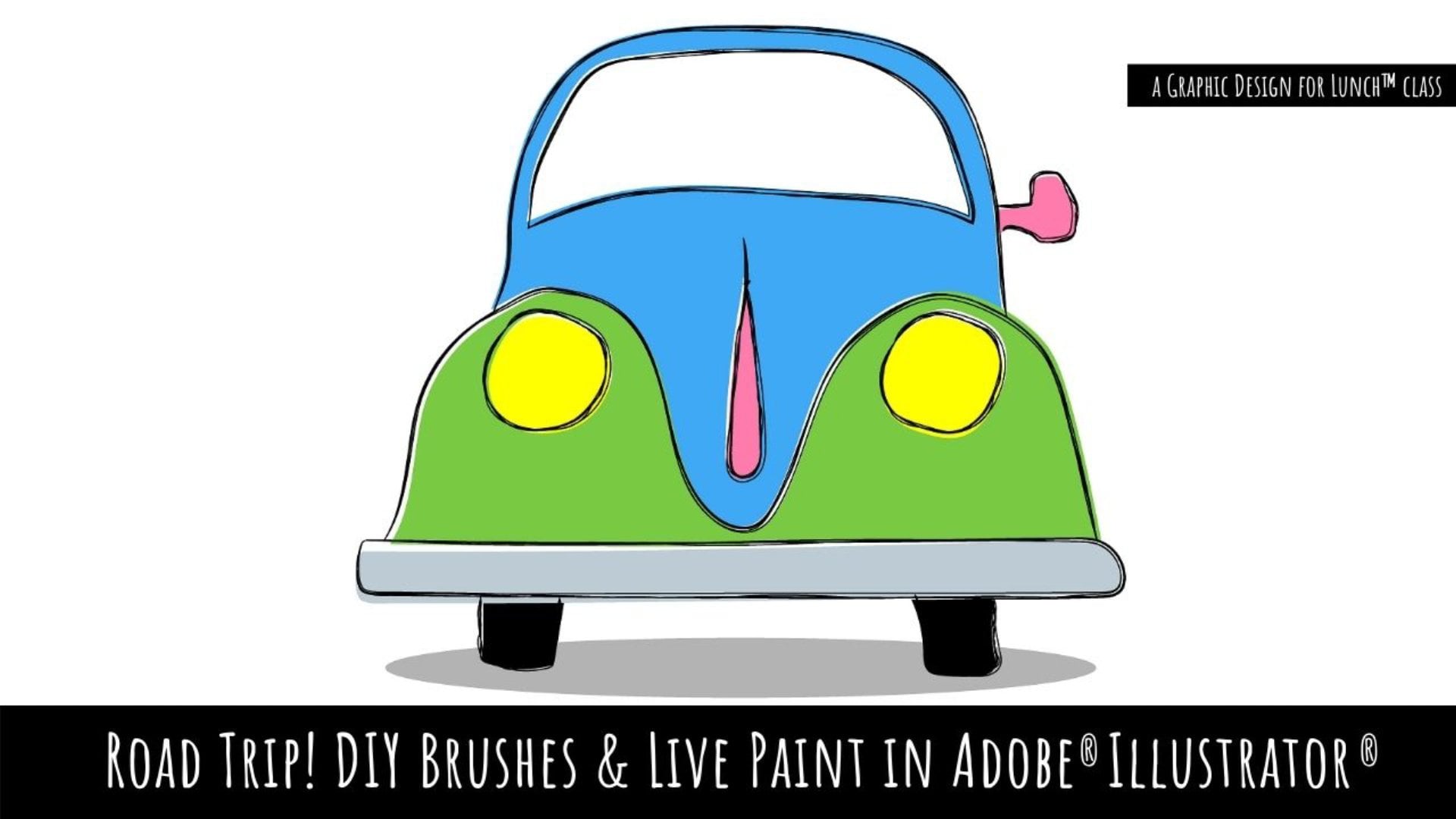
Road Trip! DIY Brushes & Live Paint in Adobe Illustrator - A Graphic Design for Lunchâ„¢ Class
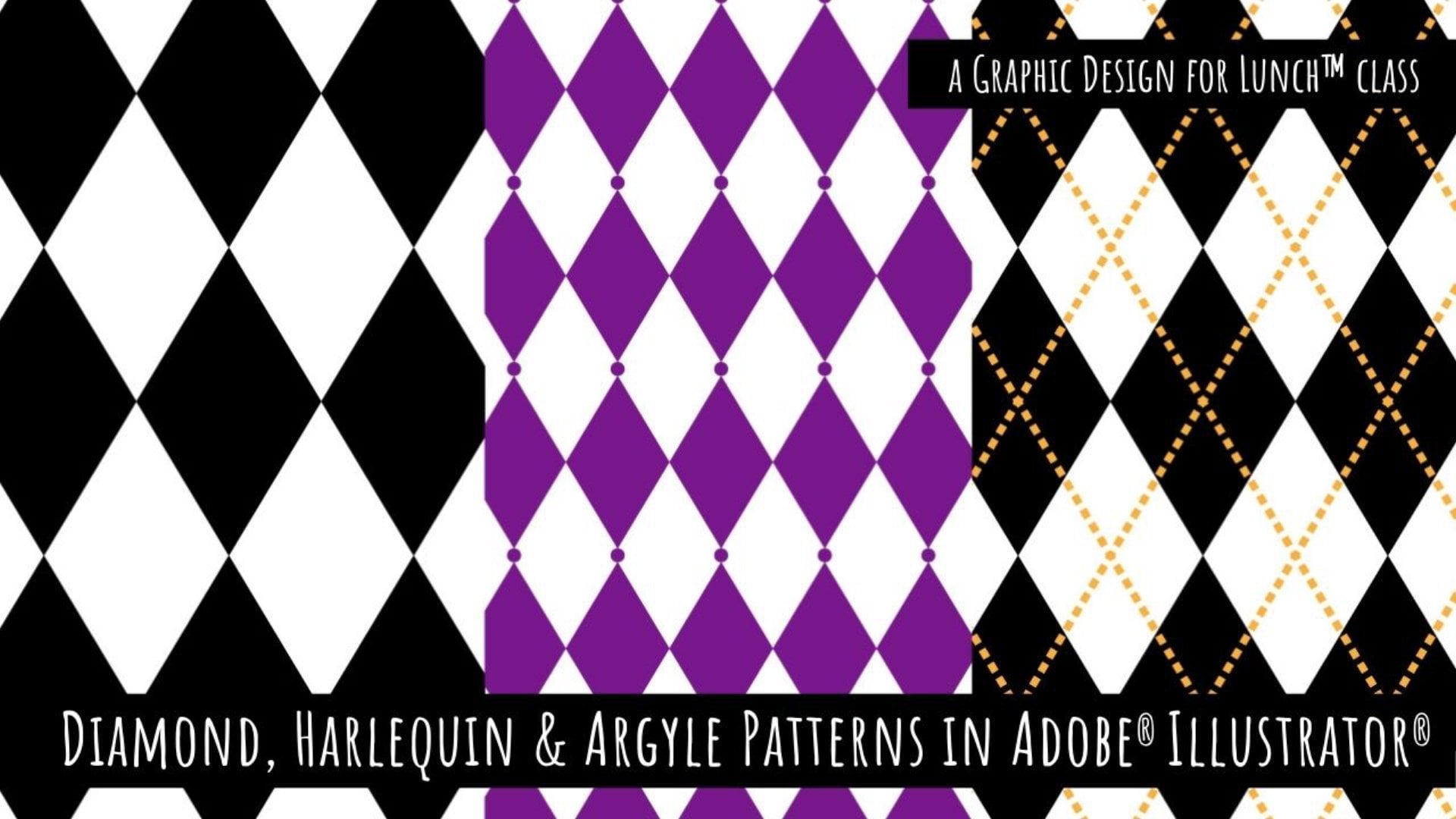
Diamond, Harlequin & Argyle Patterns in Adobe Illustrator - A Graphic Design for Lunchâ„¢ Class
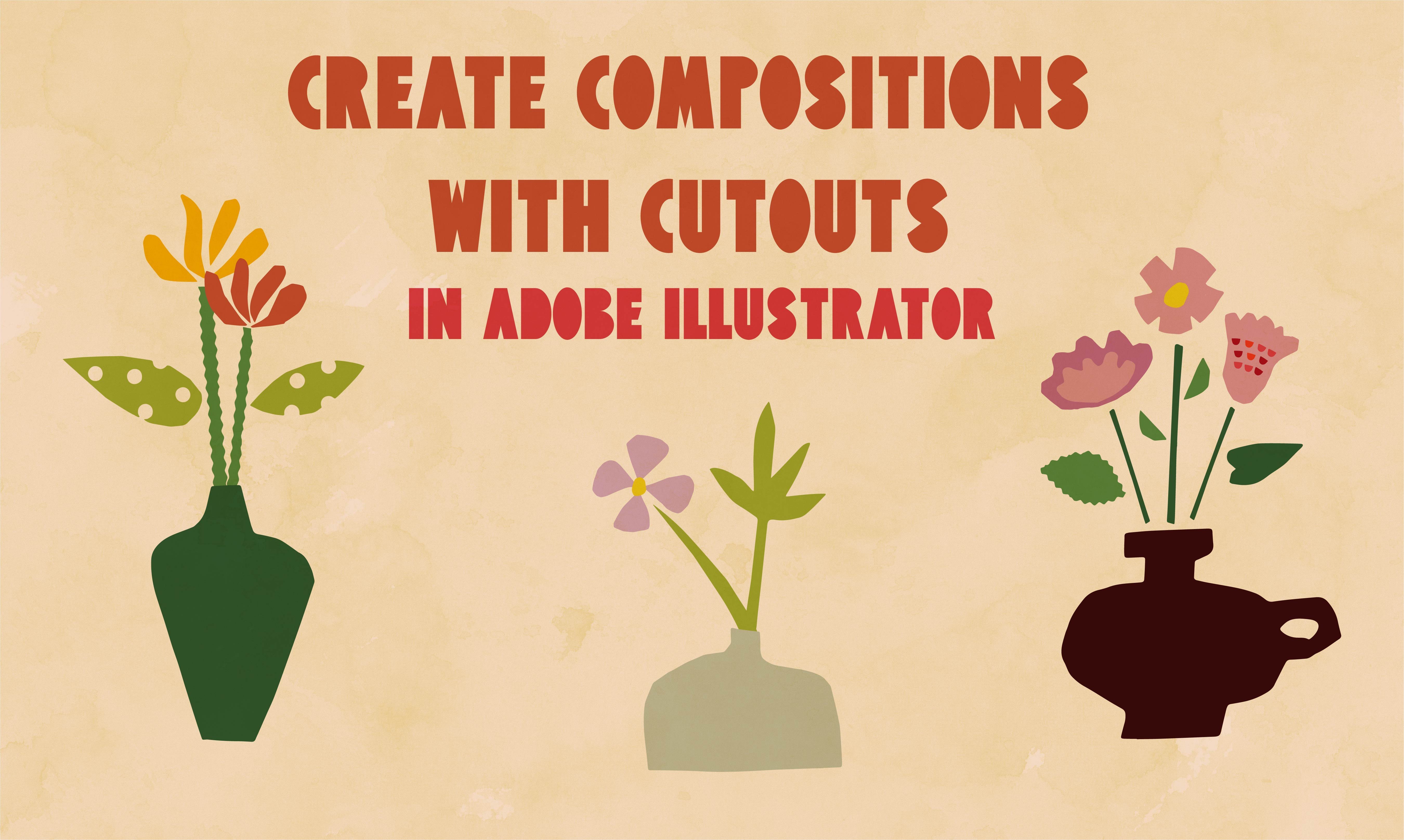
Create Compositions with Cutouts in Adobe Illustrator: Beginners Guide
From Ink to Illustrator: Creating DIY Textures with Sponge
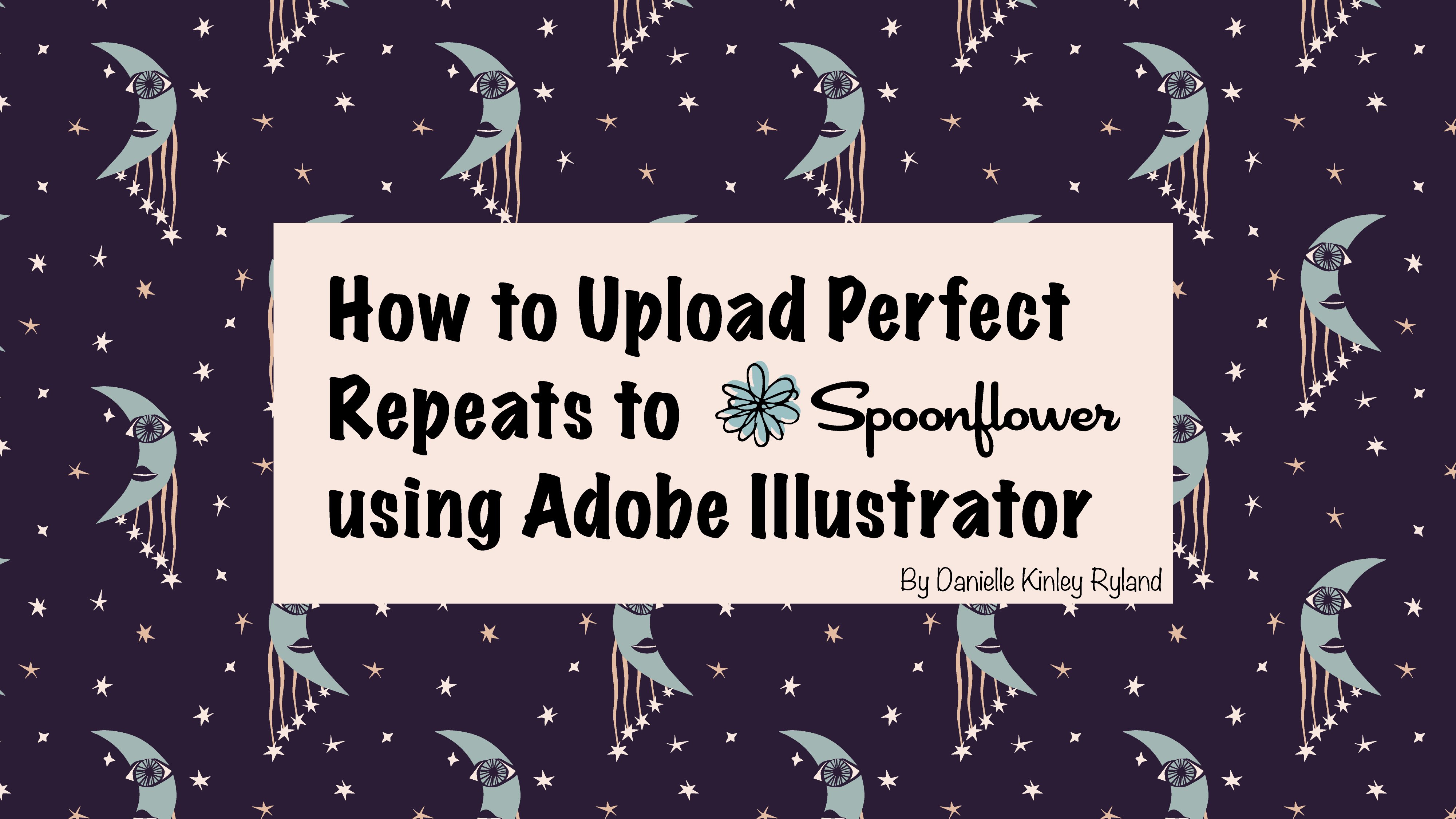
How to Upload Perfect Repeats to Spoonflower Using Adobe Illustrator
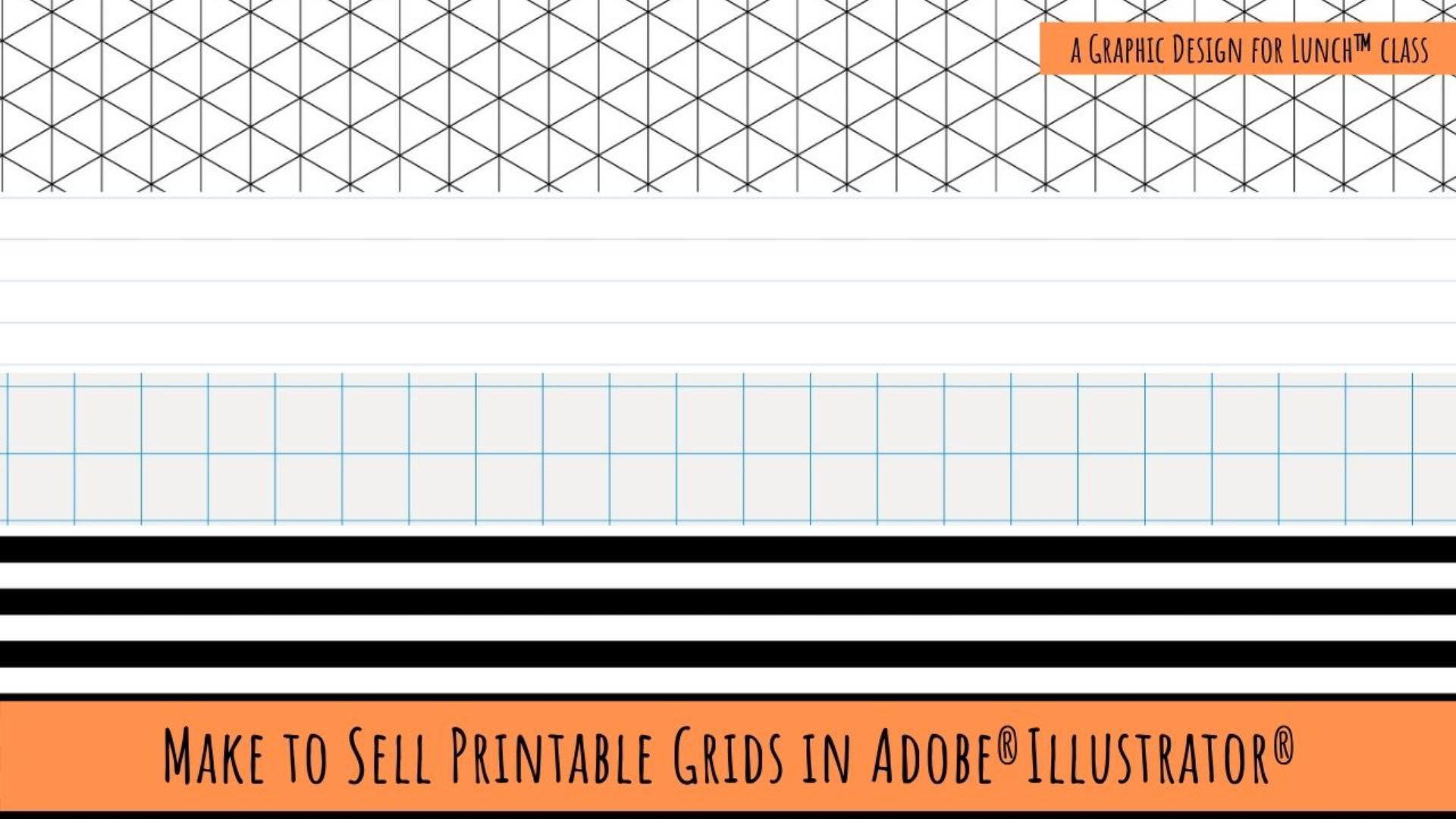
Make to Sell Printable Grids in Adobe Illustrator - A Graphic Design for Lunchâ„¢ Class
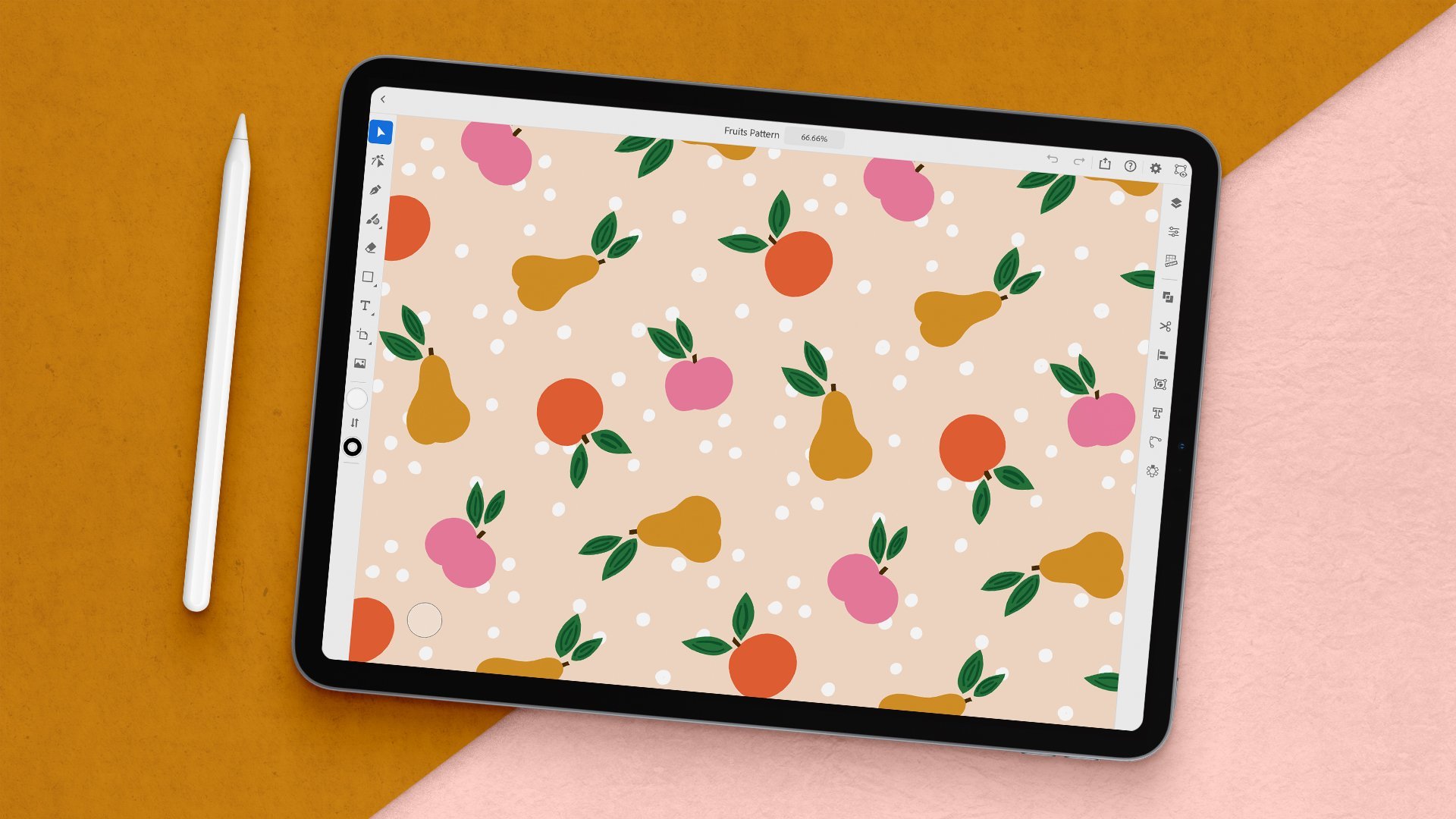
Create a Repeat Pattern With Adobe Illustrator on the iPad
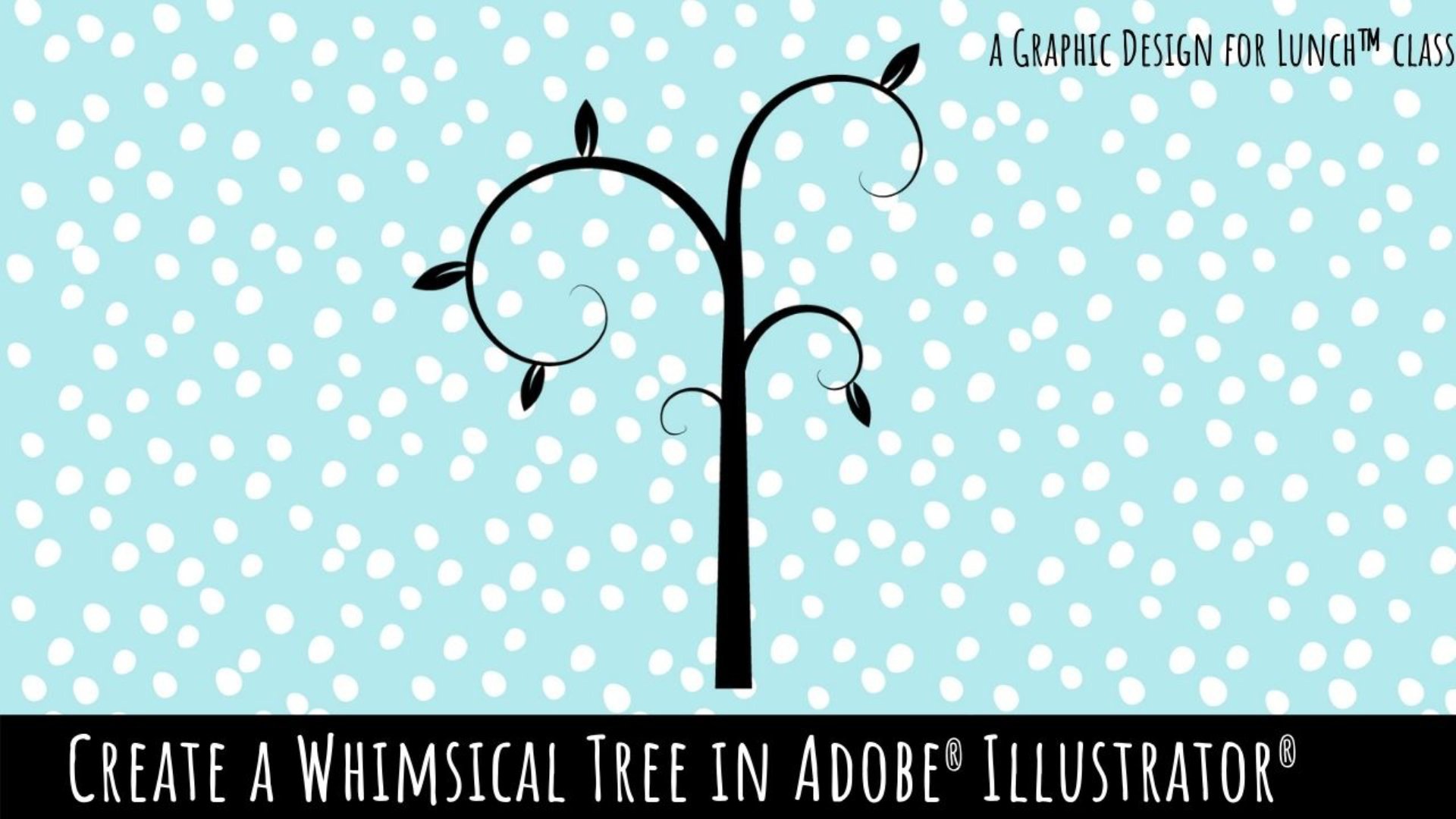
Whimsical Tree Design in Adobe Illustrator - A Graphic Design for Lunchâ„¢ Class
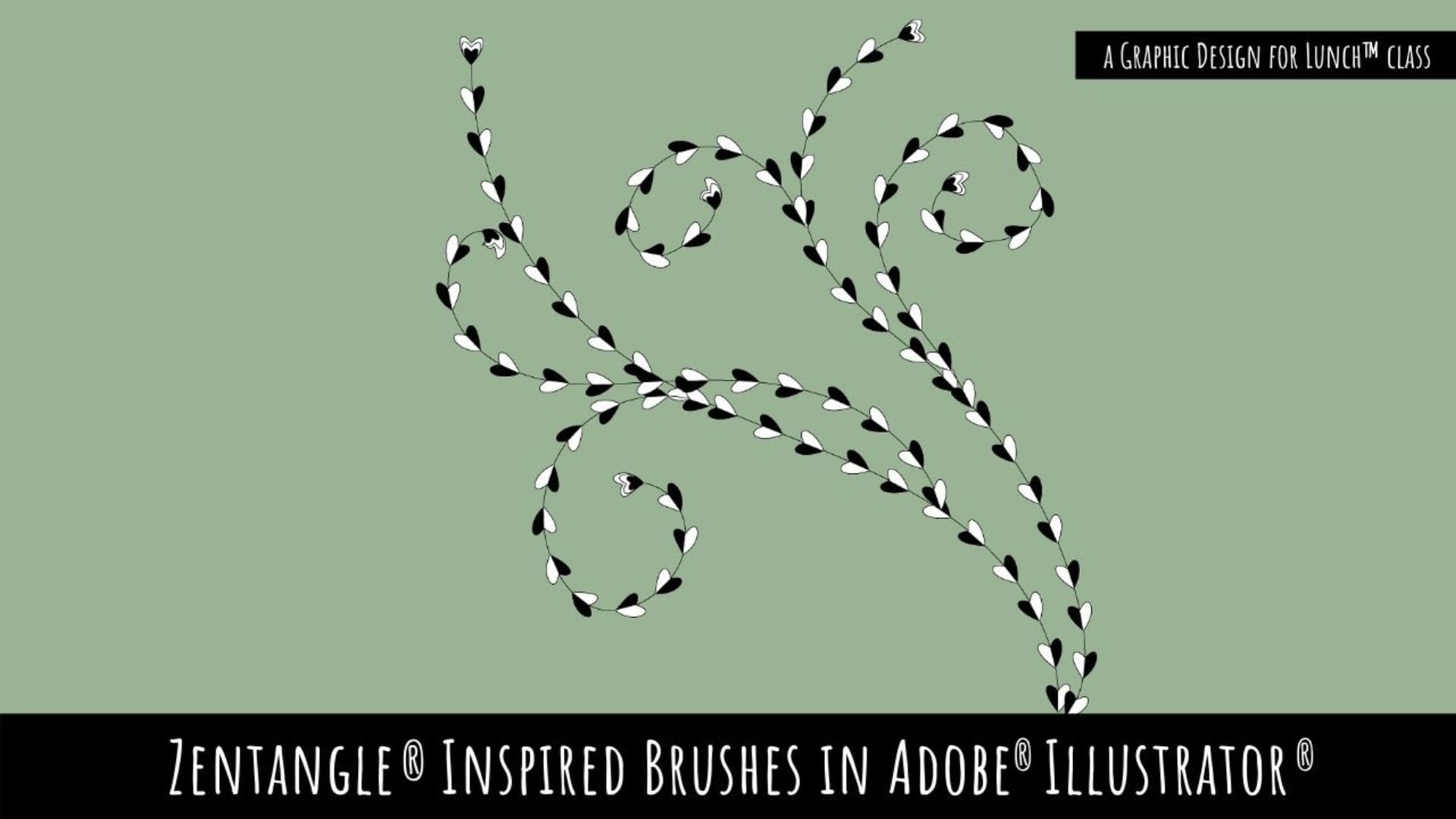
Zentangle® Inspired Pattern Brushes in Adobe Illustrator - A Graphic Design for Lunch™ Class
The Best of Both Worlds: Leveraging Photoshop and Illustrator In Your Work
Vector Illustration: Designing with Texture in Adobe Illustrator
Otros temas en Coureka
After Effects · Análisis de datos · Atención al cliente · AWS · Azure · Big Data · Blender · Blockchain · Canva · Ciberseguridad · Cloud computing · Contabilidad · Copywriting · Data Science · DevOps · Diseño · Diseño de videojuegos · Diseño UX · Diseño web · Django · Docencia online · Docker · Ecommerce · Edición de vídeo · Email marketing · Excel · Figma · Finanzas · Fotografía · Gestión de proyectos · Google Cloud · HTML y CSS · Ilustración · Inglés · Inteligencia artificial · Java · JavaScript · Kotlin · Kubernetes · Liderazgo · Linux · Marketing digital · Metodologías ágiles · Negocios · Node.js · Photoshop · PHP · Premiere Pro · Product management · Programación · Python · React · Recursos humanos · Redes sociales · Rust · Salesforce · Salud · SEO · SQL · TypeScript · Ventas · WordPress